
Looking for Reflare reviews that do more than copy the sales page? I dug into the tool, its method, its pricing, its terms and the first user feedback so I can tell you plainly who it pays off for, and who won't get anything out of it.
Disclosure: this page contains affiliate links. If you subscribe through them, I earn a commission at no extra cost to you. My opinion is my own. This site is independent and is not owned by Reflare Ltd.
⭐ My Reflare review in 30 seconds
If you don't have time to read everything, here's the short version:
- My rating: 9/10. It's currently the most complete tool for reviving an existing YouTube catalog, not just for testing the thumbnail of a new upload.
- What wins me over: automatic sorting of high-potential videos, thumbnails that respect the channel's identity, mandatory human approval, and a test that runs without you having to think about it.
- What keeps it from a 10: the product is young, there's no free trial on offer, and a video with no impressions won't get results, whatever tool you use.
- Price: from $49/month excl. tax, 20% off with annual billing, and 10% off your first payment with code AUXANO.
So, is Reflare worth it? For most channels with an active back catalog, I think it is. The details below explain why.
How I scored it
| Criterion | Score |
|---|---|
| Real-world usefulness for a creator | 9.5/10 |
| Quality of the generated thumbnails | 8.5/10 |
| Quality of tracking and data | 9/10 |
| Ease of use | 9/10 |
| Value for money | 8.5/10 |
This score is an editorial judgment. It measures how solid the product is against the problem it claims to solve. It's not an average of customer ratings, and it's not a promise of results on your channel.
👥 Reflare reviews by creator profile
The same tool isn't worth the same to everyone. Here's my verdict profile by profile, with the plan I'd recommend.
| Your situation | My take | Recommended plan |
|---|---|---|
| Established channel, 100+ videos | The ideal case: lots of videos YouTube still shows, few of them reworked | Creator, then Pro if you test a lot |
| Small channel, 10 to 30 videos | Worth a look if at least one or two evergreen videos still get impressions | Creator, one month to validate |
| Affiliate creator or course seller | Very profitable: every recovered view feeds your sales funnel | Creator or Pro |
| Agency or multi-channel manager | Relevant if you have a real client approval process | Pro (3 channels) or Studio (10 channels) |
| 100% Shorts channel | Not for you: thumbnail testing only applies to long-form videos | None |
| Channel whose videos no longer get shown | Useless as long as YouTube isn't serving your content | None for now |
So the metric that matters isn't your subscriber count. It's the volume of impressions your old videos still get. A video YouTube keeps recommending but that few people click on is exactly Reflare's playing field.
🤔 Reflare explained: what the tool actually does
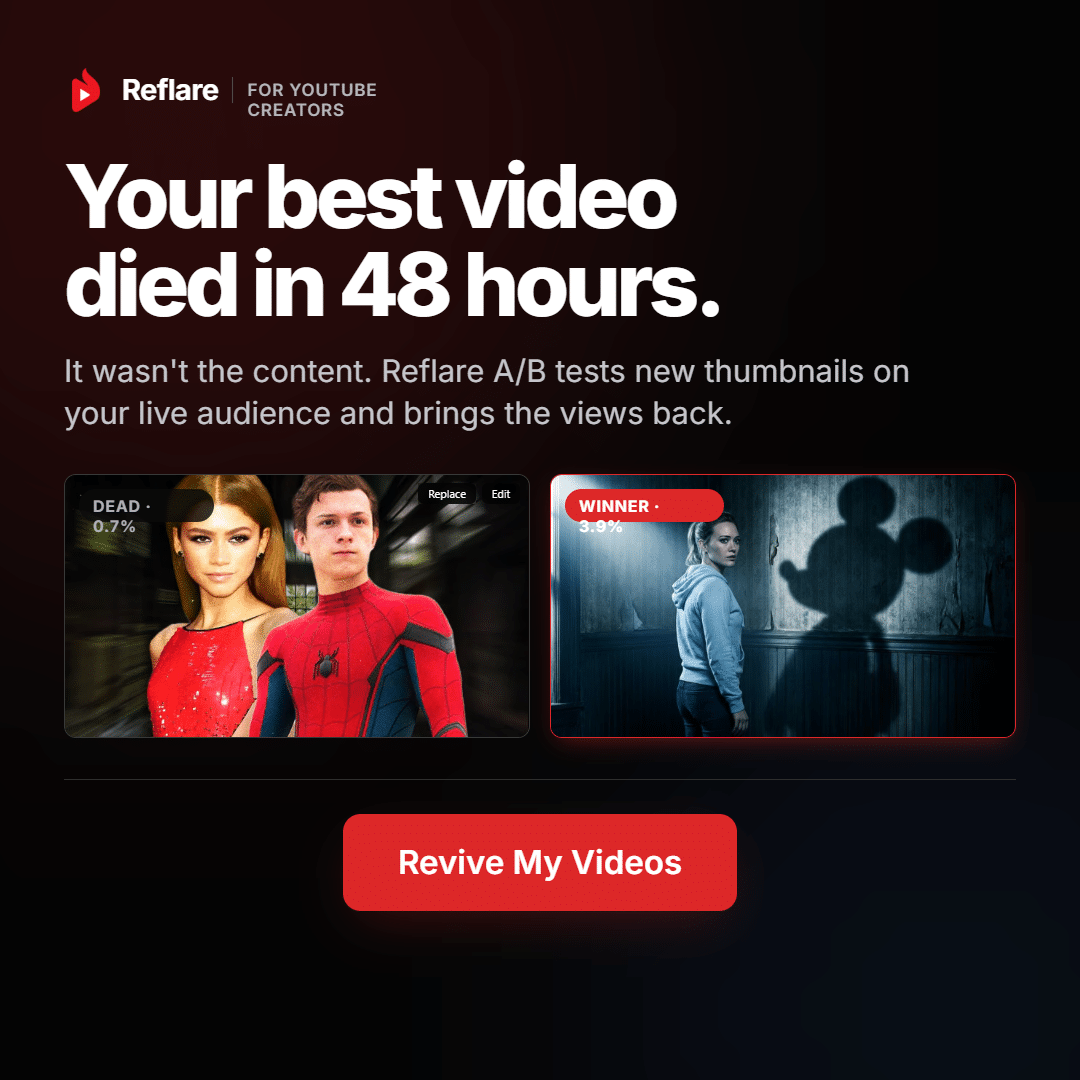
Reflare (also called Reflare IO or Reflare AI) is online software that scans your YouTube channel, creates new thumbnails for the videos that deserve them, then tests them until a winner emerges.
The starting point is familiar to every creator. A video takes days of work, peaks for a few weeks, then drops to a few dozen views a day. The content hasn't lost its value. Often it's the storefront, the thumbnail, that no longer makes people want to click.
Reflare's slogan sums up the idea nicely: stop paying per thumbnail and start paying for performance. Instead of ordering visuals one at a time, you hand your catalog over to a system that works continuously.
Step 1: the channel audit
You connect your channel with the official Google sign-in. Reflare never asks for your password, and you can revoke access at any time from your Google account.
The tool then cross-references three metrics for each video: retention (do people stick around?), click-through rate (does the thumbnail make people want to click?) and daily impressions (is YouTube still showing the video?). The result is a ranked list of what Reflare calls your "sleeping giants."
Step 2: creating the variants
You pick a video, the number of thumbnails you want and the test duration. The AI doesn't slap on a generic template: it learns your channel's art direction and takes into account the video's exact topic, your best-performing thumbnails and current trends.
Nothing gets published without your approval. For me, that's what makes the tool acceptable: you stay in control of every image.
Step 3: the test and the decision
Approved variants rotate automatically on YouTube. Reflare pulls the numbers every day, keeps the winner as soon as the gap is reliable, and stops the test once daily views pick back up for good.
There's no chatbot and no prompt to write. You choose a video, you launch, you approve. I find that design choice very healthy: the AI serves the process instead of making you do its work.
🙋 The 6 questions I asked myself before forming my opinion
1. Am I putting my channel at risk?
No, in the sense that Reflare goes through the official YouTube API and Google authentication. It's the same entry point used by the well-known tools on the market. You don't share any password, and you can cut off access in two clicks.
The only real risk is editorial: publishing an image that promises something the video doesn't deliver. That's why human approval is mandatory, and why I recommend looking at each variant at a small size, the way it appears on a phone.
2. Will the AI water down my channel's identity?
That's creators' number one fear, and it's where Reflare stands out from ordinary image generators. The model learns your fonts, your color grading and your composition. The goal isn't to force a style that "performs" on you, but to find the best version of your own.
My advice: the more consistent your current thumbnails are with each other, the better the suggestions will be. If your catalog is all over the place, start with the videos that best represent your style.
3. How long before I see results?
It all depends on impression volume. A big channel gets an answer within a few days. A small channel needs to test fewer variants at a time and accept waiting longer. Never draw conclusions after a few dozen views.
4. What if none of the new thumbnails beats the original?
Your original thumbnail stays in place. You haven't lost anything, and you've learned something useful: that video's bottleneck wasn't its storefront. The problem may be the topic, the retention or the demand.
5. Can I use my own thumbnails?
This question comes up a lot, and the answer isn't clearly stated on Reflare's public pages. The benefit would be obvious: keep the automatic video selection and testing while leaving the visuals to your designer. If this is a deal-breaker for you, ask the Discord support for written confirmation before paying.
6. Who's behind Reflare?
Reflare was created by Hardisk (real name Henri Griesmar), a French YouTuber with 796K subscribers who has specialized in video production and content creation for nearly ten years. He co-founded the tool with Nicolas Sénécal, starting from his own problem: years of carefully made videos that were no longer earning anything.
To me, that's a real sign of credibility. The selection method (retention, CTR, impressions) was built by someone who has been reading these stats on his own channel for years. Several well-known French channels are listed as users, including Aypierre, Océane, Silent Jill, L'ArchiPelle, MobileAddict and Basti Ui.
The publisher is Reflare Ltd, based in Nicosia (Cyprus), registration no. HE 490572, with data hosted on Google Cloud in Belgium.
My pick 🎬 Reflare - Put your sleeping videos back to workOne tool to spot, create, test and decide.Your whole catalog sorted by revival potentialNothing published without your approvalOfficial YouTube access, revocable at any time Analyze my channel with Reflare →No commitment · Code AUXANO: 10% off your first payment🧠 Why Reflare's method holds up
YouTube says it itself in its official help center: changing a title or thumbnail affects a video's performance because viewers react differently to the new presentation. The lever isn't some algorithm secret. It's human.
When YouTube shows your video in search, on the home page or in suggestions, viewers decide in a split second by looking at two things: the title and the thumbnail. If the image looks dated or blends in with the others, they scroll past. Your video then piles up impressions without turning them into views.
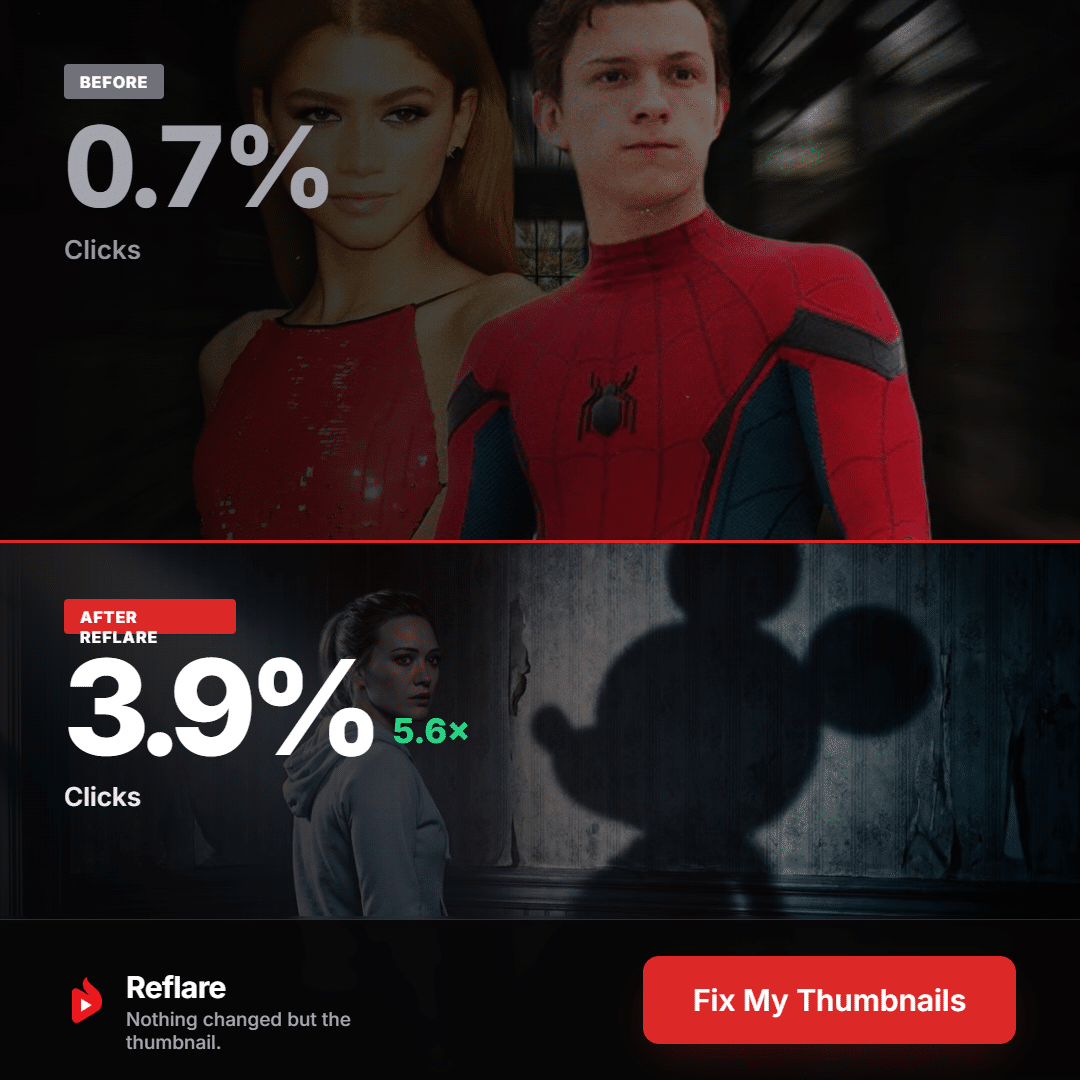
Testing means replacing guesswork with measurement. And Reflare goes further than most: according to its launch presentation, the team worked with Google on a statistical method that isolates the views actually driven by the test from the ones the video would have gotten anyway. In other words, the tool avoids taking credit for your channel's natural growth. That's rare in this category, and it weighs heavily in my Reflare review.
Which video should you hand to Reflare first?
| What your analytics show | What it means | My advice |
|---|---|---|
| Lots of impressions, few clicks, good retention | People like the content, the storefront is the problem | ✅ Send it to Reflare first |
| Lots of clicks, low retention | The promise attracts but isn't delivered | Rework the video before the thumbnail |
| Few impressions, good clicks, good retention | The topic lacks demand or reach | Update the topic |
| Everything is weak | Too many problems stacked up | Don't spend credits on it |
A little trick I always use: look at CTR by traffic source, not overall. Your subscribers already recognize you, while a viewer discovering you in search is comparing you to five other videos. It's often with that cold audience that the thumbnail makes all the difference.
💸 Reflare review of the pricing: which plan should you choose?
| Creator | Pro | Studio | |
|---|---|---|---|
| Monthly price | $49 excl. tax | $99 excl. tax | $299 excl. tax |
| YouTube channels | 1 | Up to 3 | Up to 10 |
| AI thumbnails per month | 60 | 200 | 600 |
| Cost per thumbnail | about $0.82 | about $0.50 | about $0.50 |
| Support | Discord | Priority Discord | Priority + onboarding support |
| Who it's for | One creator, one channel | Several channels or lots of tests | Agency, studio, channel network |
| Choose Creator → | Choose Pro → | Choose Studio → |
Annual billing saves you 20%. Prices are shown excluding tax, in dollars or euros depending on your country. Check the currency, any applicable tax and the discount in the order summary before you confirm.
My advice for getting started: go with Creator on a monthly plan. During that first month, check three things: how relevant the videos flagged on your channel are, what share of the thumbnails you actually accept, and how quickly your videos rack up impressions. Only switch to annual if all three look good.
Pro becomes worthwhile even before you have three channels if you test a lot: the price per thumbnail drops by nearly 40%. Studio only makes sense with a clear process (who approves, when, based on what criteria), otherwise 600 thumbnails quickly become 600 useless images.
Does it pay off? My math in 3 scenarios
| Your business model | Approximate value of 1,000 views | Extra views needed to cover Creator ($49) |
|---|---|---|
| Ad revenue only | $2 to $5 | 10,000 to 25,000 per month |
| Affiliate links or a product to sell | often $10 or more | under 5,000 per month |
| Agency billing for optimization | depends on your client rate | covered by your first client |
Bottom line: a single video going from 100 back up to 500 views a day is enough to cover the subscription, even counting ad revenue alone. And that math ignores the subscribers you gain and the videos that start showing up in suggestions again.
🎁 The Reflare promo code that works
| Code | Status | Benefit |
|---|---|---|
| AUXANO | ✅ Valid | 10% off your first payment |
The link on this page applies the code automatically. Just make sure the discount shows up in the order summary before you pay.
🗣️ Reflare customer reviews: what people are saying online
Reflare customer reviews are still few and far between. When I checked, the Trustpilot page had about 3 reviews with a 3.5/5 rating. That's too few for a reliable average, but the trends are telling.
Satisfied users mostly highlight the automatic tracking and finally knowing where to take action. They're not paying for an image, but for a system that picks the video, runs the test and keeps a history of decisions.
Disappointed users mention images that sometimes stray from the topic and credits that run out fast when several generations have to be rerun. Some expected a ready-to-publish thumbnail every time, when human screening is still necessary.
The publisher responds to reviews publicly, with a stated response time of under 24 hours, and the product has been evolving quickly since its launch in August 2026.
⚔️ Reflare vs the alternatives
| Tool | Creates thumbnails | Picks videos to revive | Automates testing | Best for |
|---|---|---|---|---|
| Reflare | ✅ In your style | ✅ | ✅ | Reviving an entire catalog |
| Test & Compare (YouTube) | ❌ | ❌ | 3 variants, free | Testing images you already have |
| ThumbnailTest | ❌ | ❌ | Rotation | Testing a new video |
| TubeBuddy | Depends on the plan | ❌ | Toolbox | General channel management |
| vidIQ | Depends on the plan | ❌ | Research and analytics | Finding topics and keywords |
Compared with YouTube's Test & Compare, the difference is simple: the free tool gives you a lab, Reflare gives you a complete program. The native test doesn't tell you which video to rework, doesn't create the visuals and doesn't track anything for you. On the other hand, it shows the variants at the same time, which is statistically cleaner, and it picks the winner based on watch time share. For a single video, the free option is enough. For a hundred videos, it's a full-time job.
Compared with ThumbnailTest, TubeBuddy and vidIQ, Reflare isn't playing the same game. Those tools are built for your next video. Reflare is built for the ones you've already published. If what you need is topic ideas or keywords, vidIQ or TubeBuddy are still a better fit.
⚖️ Reflare pros and cons
Strengths:
- Automatic selection of videos to revive, which is the real work the tool takes off your plate.
- Mandatory human approval: you automate without losing control.
- Thumbnails that respect your visual identity.
- A fully managed test: rotation, daily measurement, stopping at the right time.
- Measurement that separates views driven by the test from natural growth.
- Official YouTube API and access you can revoke at any time.
- A tool designed by a creator who lived the problem.
Weaknesses:
- A recent product, with few independent reviews so far.
- No free trial on offer.
- The real cost depends on how many thumbnails you reject.
- No results possible on a video YouTube no longer shows.
- Not compatible with Shorts, Premieres or scheduled livestreams.
✅ My checklist before you sign up
- Do your videos still get impressions? Check in YouTube Studio over the last 28 days.
- Have you identified at least three evergreen videos with good retention and an average or low CTR?
- Are you ready to review every thumbnail before it goes live, at mobile size?
- Did you read the Google permissions screen when connecting your channel?
- Do you know the subscription rules? Automatic renewal, cancellation from the dashboard before the renewal date, used credits are non-refundable, unused credits valid for 12 months.
- Are you OK with there being no guarantee? Reflare's terms are clear: no tool controls YouTube's distribution. What's guaranteed is the method.
🧪 My plan for your first 30 days
Week 1: take stock. Connect your channel, read the list of suggested videos and compare it with your gut feeling. For each video you keep, write down its current impressions, CTR and daily views: that's your baseline.
Week 2: launch three tests, no more. Pick three evergreen videos. For each one, ask for genuinely different variants (face or object, text or no text, problem or result). Variants that are too similar won't teach you anything.
Week 3: let it run, hands off. Don't change the title, the description or the video during the test. Note any outside event (a mention by another channel, news) that could skew the results.
Week 4: decide. Look at views and retention, not just CTR. Keep what works, write down what you've learned about your audience, and decide before renewal whether the subscription is worth it for you.
💡 My advice: start small. Three well-chosen videos will teach you more than fifty random tests, and you'll save your credits.
📚 My guides to go further
- How to revive an old YouTube video that no longer gets views
- How to improve your YouTube CTR without remaking your videos
- YouTube Test & Compare vs Reflare: which one should you choose?
- Reflare promo code: how to get 10% off
❓ Reflare reviews FAQ
What's your Reflare review in one sentence?
It's very positive for channels whose videos YouTube still shows but few people click: it's the most complete tool for reviving them without shooting a single new video.
What is Reflare?
Online software, also called Reflare IO or Reflare AI, that analyzes your YouTube channel, spots the videos worth reviving, creates new thumbnails in your style and tests them automatically.
How much does Reflare cost?
$49/month excl. tax for Creator (1 channel, 60 thumbnails), $99 for Pro (3 channels, 200 thumbnails) and $299 for Studio (10 channels, 600 thumbnails). Annual billing saves 20%, and code AUXANO gives you 10% off your first payment (check the order summary to see how the discounts apply).
Is there a free trial of Reflare?
No permanent free plan is advertised, but a free view estimator is available on the official website. To limit your commitment, start with one month on Creator.
Is Reflare safe for my YouTube channel?
Yes. The tool uses the official YouTube API and Google sign-in, with no password sharing, and you can revoke access at any time.
Is Reflare worth it for a small channel?
Yes, if your videos still get impressions. Subscriber count isn't the right metric. Start with one evergreen video and two very different variants.
Does Reflare work with Shorts?
No. Thumbnail testing only applies to long-form videos.
Are Reflare customer reviews good?
There are still very few (about 3 reviews on Trustpilot with a 3.5/5 rating when I checked). Users mainly like the automatic tracking; criticism focuses on some off-topic images and credit consumption.
How do I cancel Reflare?
From your dashboard, before the renewal date. Cancellation takes effect at the end of the paid period, and credits already used are not refunded.
Is this the official Reflare website?
No. This is an independent review site. Reflare and the brands mentioned belong to their respective owners.
🏁 Final verdict: is Reflare worth it?
My Reflare review comes down to one idea: the tool tackles a problem almost every creator has and almost none of them deal with. Dozens of videos already paid for, shot and edited, that no longer earn anything.
Its strength isn't generating images, plenty of tools do that. Its strength is telling you which video to start with, then automating everything else: creation, testing, tracking and decision. And you stay in charge of what gets published.
The product is young and independent Reflare reviews are still rare, which is the main caveat to keep in mind. But it comes from a creator who built the method on his own channel, it runs through the official YouTube API, and it goes to the trouble of measuring the views it actually earns you.
At $49/month excl. tax, with a single revived video being enough to cover the subscription, I think the risk is low and the potential is real. 👇
🔥 Code AUXANO: 10% off your first payment.
My pick 🎬 Reflare - Put your sleeping videos back to workYour old videos already cost you time. Make them earn again.Automatically spots the videos worth revivingThumbnails in your style, approved by youA/B testing run through the official YouTube APICreated by Hardisk (796K subscribers) Create my Reflare account →No commitment · Cancel in one click · Code AUXANO: 10% offThis Reflare review reflects my personal analysis of the tool. It contains affiliate links: if you subscribe through them, I may earn a commission at no extra cost to you. This doesn't influence my judgment. This site is independent and is not operated by Reflare Ltd. Results on YouTube vary from one channel to another and are never guaranteed.
🇫🇷 Français · 🇬🇧 English · 🇩🇪 Deutsch · 🇳🇱 Nederlands
Sources
- Official Reflare website - features and pricing: https://reflare.io/
- Reflare - Terms of Service: https://reflare.io/terms-of-service
- Reflare - Legal information: https://reflare.io/legal-information
- IRZ, Manon Girard, "Old YouTube videos become thumbnail experiments," August 12, 2026: https://irz.fr/en/articles/reflare-youtube-catalogue-en/
- Hardisk, Reflare launch keynote, August 11, 2026: https://youtu.be/R3nlpedJBj0
- YouTube Help - titles and thumbnails: https://support.google.com/youtube/answer/141805
- YouTube Help - test and compare: https://support.google.com/youtube/answer/16391400
- Trustpilot - Reflare reviews: https://www.trustpilot.com/review/reflare.io